Focus16:9
Rainy Window Café
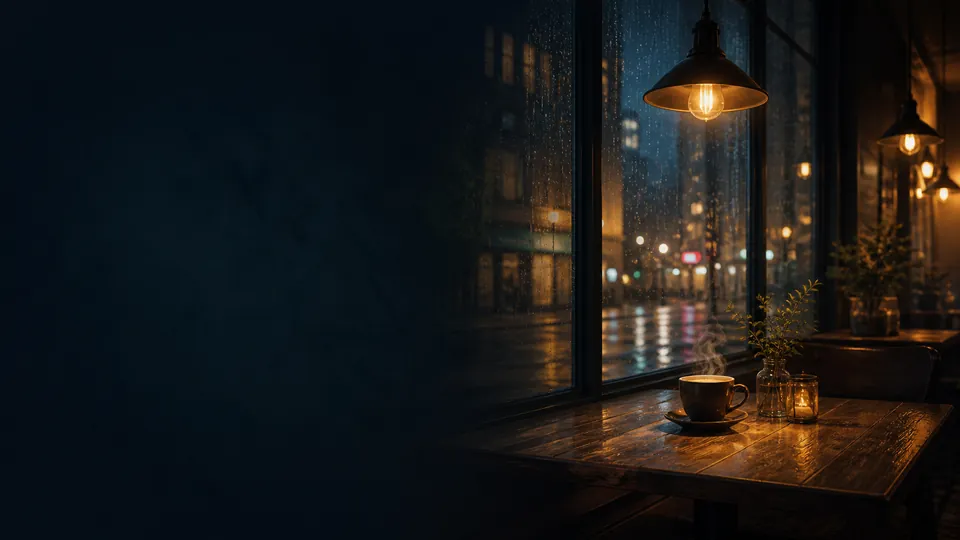
A still view of a warm café window and rainy streets, with a clock and caption for evening focus.
Run a free online screensaver in fullscreen, or make a custom PC screensaver with your own images, GIFs, video, clocks, text, and audio.
Compare still images, live clocks and motion effects in selected screensavers, then try fullscreen. Gallery presets do not include audio.
A still view of a warm café window and rainy streets, with a clock and caption for evening focus.
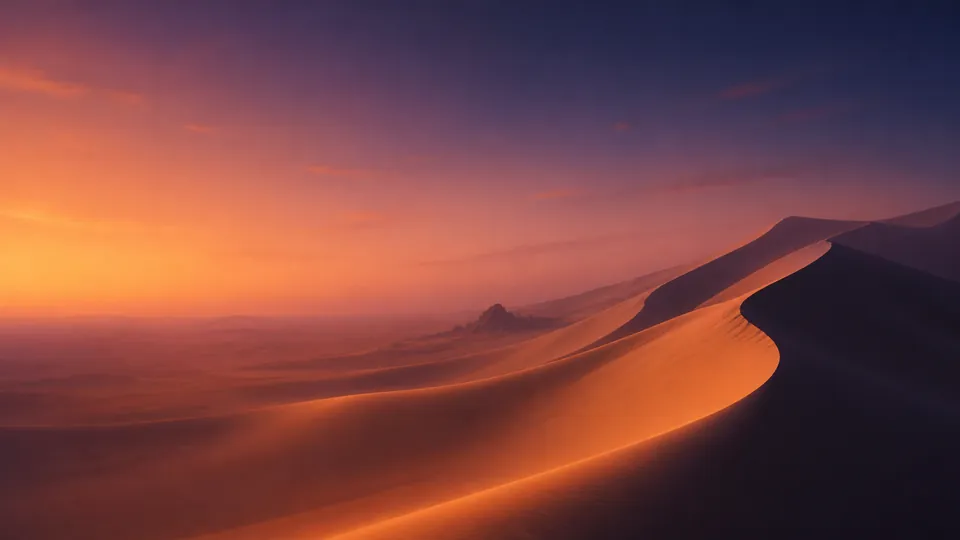
Sculpted dunes and fading desert light create a spacious ambient scene.
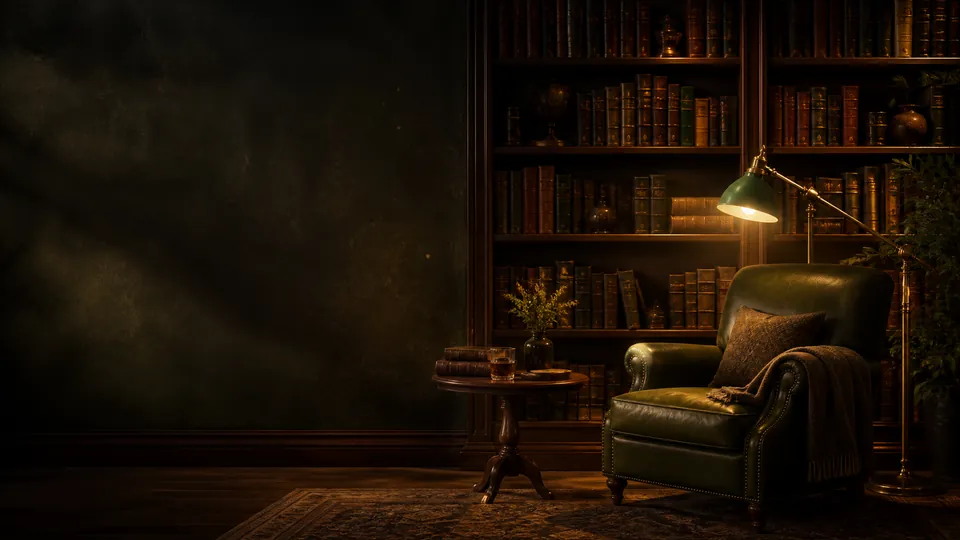
A lamplit reading chair and dark wooden shelves set a focused evening mood.
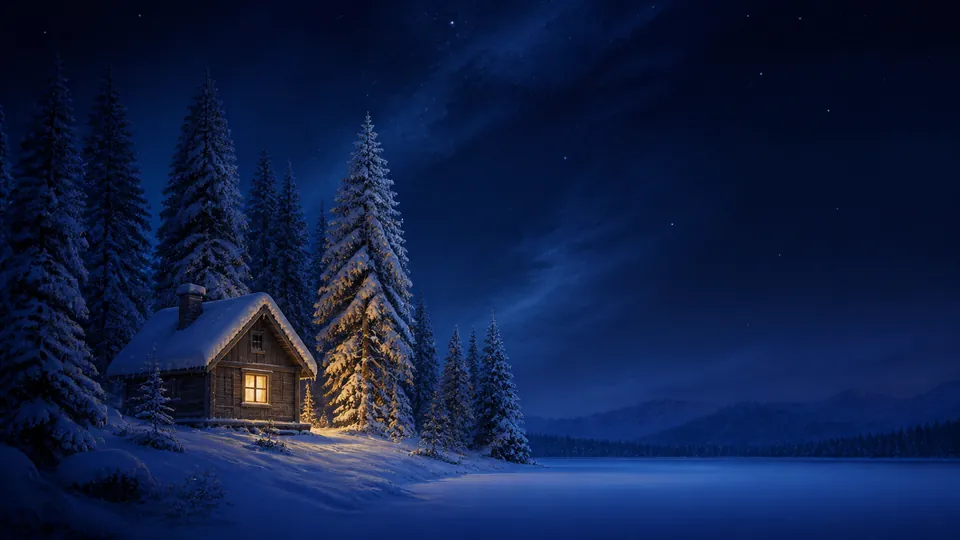
Emerald aurora sweeps above a remote dark coast and a single warm cabin.
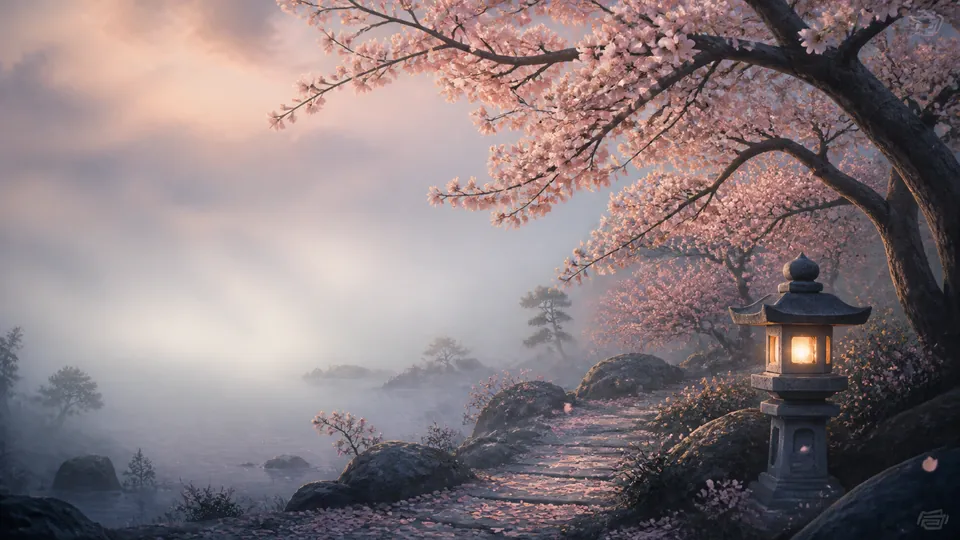
Koi, mossy stones, and gentle ripples bring a quiet garden rhythm to the screen.
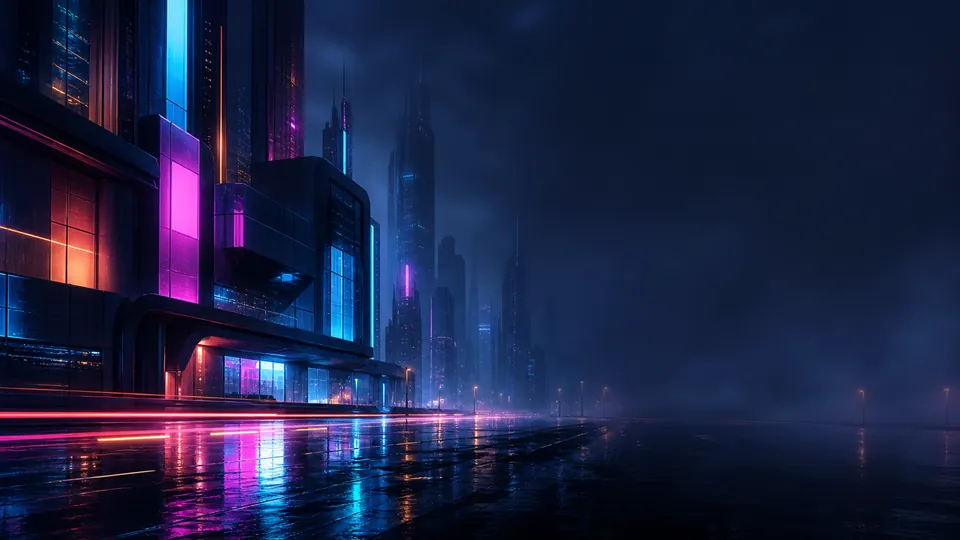
Reflected neon and blue night fog turn an empty future street into ambient light.
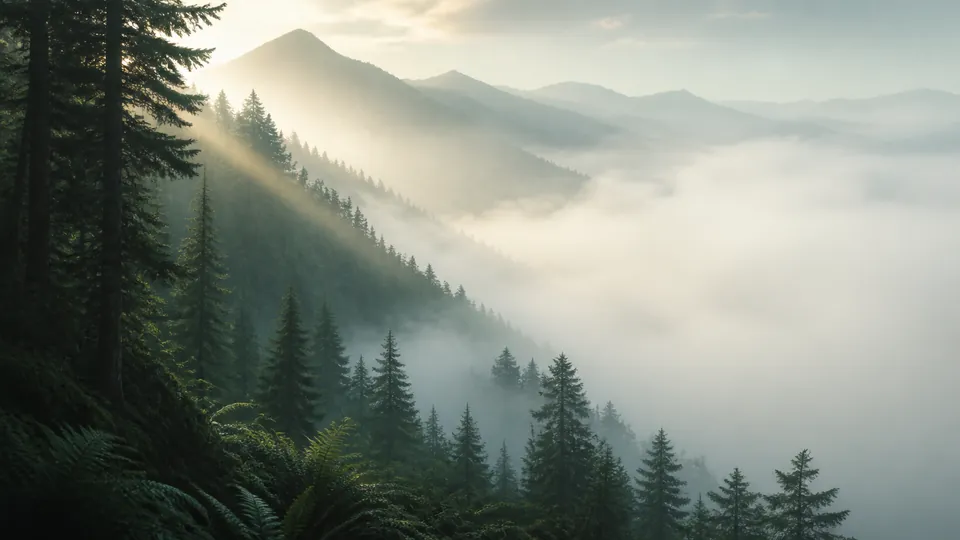
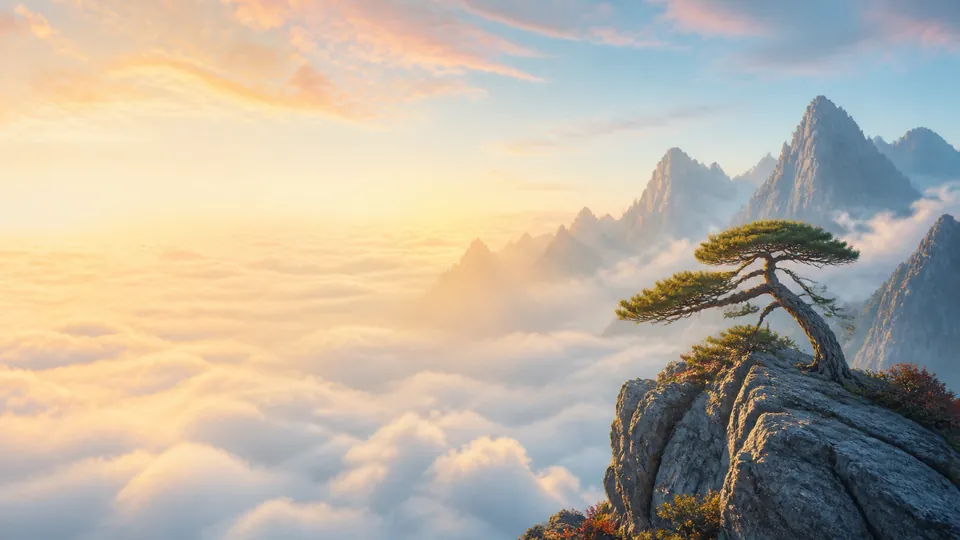
A bright mountain sunrise above the clouds opens space for a fresh focus session.
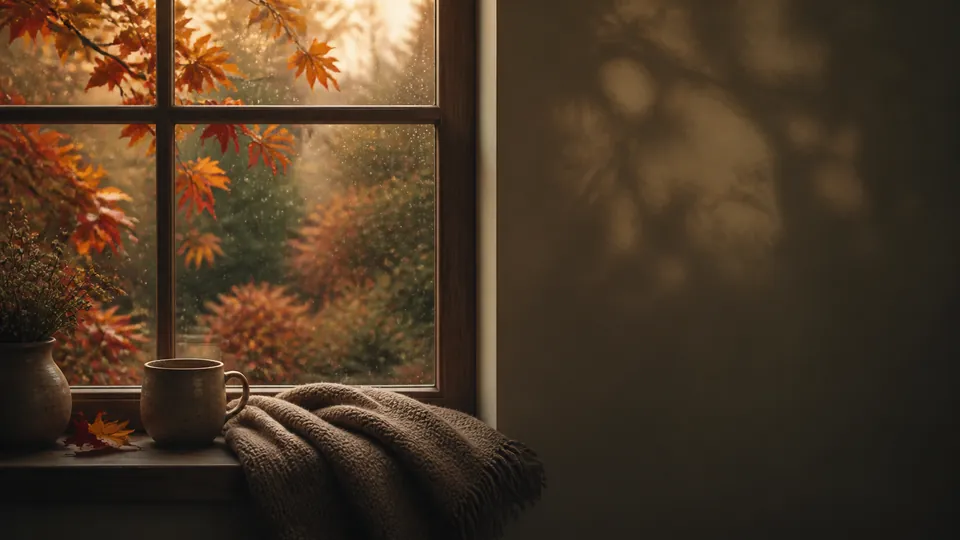
Rain on the glass, a warm mug, and copper leaves make a restful autumn clock.
Start with Rainy Window Café. The first view shows only the background; the second shows the preset with its clock and caption.
Static layout comparison, not a recording. Rain audio and animated rain footage are not included.
Enter image and monitor dimensions in pixels to compare Fill and Fit. Calculations stay in your browser; no upload is needed.
Example: the café image is stretched to the entered ratio. This is not a preview of your own image.
Assumes centered placement without rotation or extra zoom. Crops and gaps use screen pixels. This does not detect your monitor or improve image quality. Choose Fit to preserve subjects near the edges.
Authentic Korean Studio screenshots captured in desktop Chrome on 2026-09-19. The captured clock time is not fixed; it updates live. Use the translated instructions alongside the Korean UI in the images.
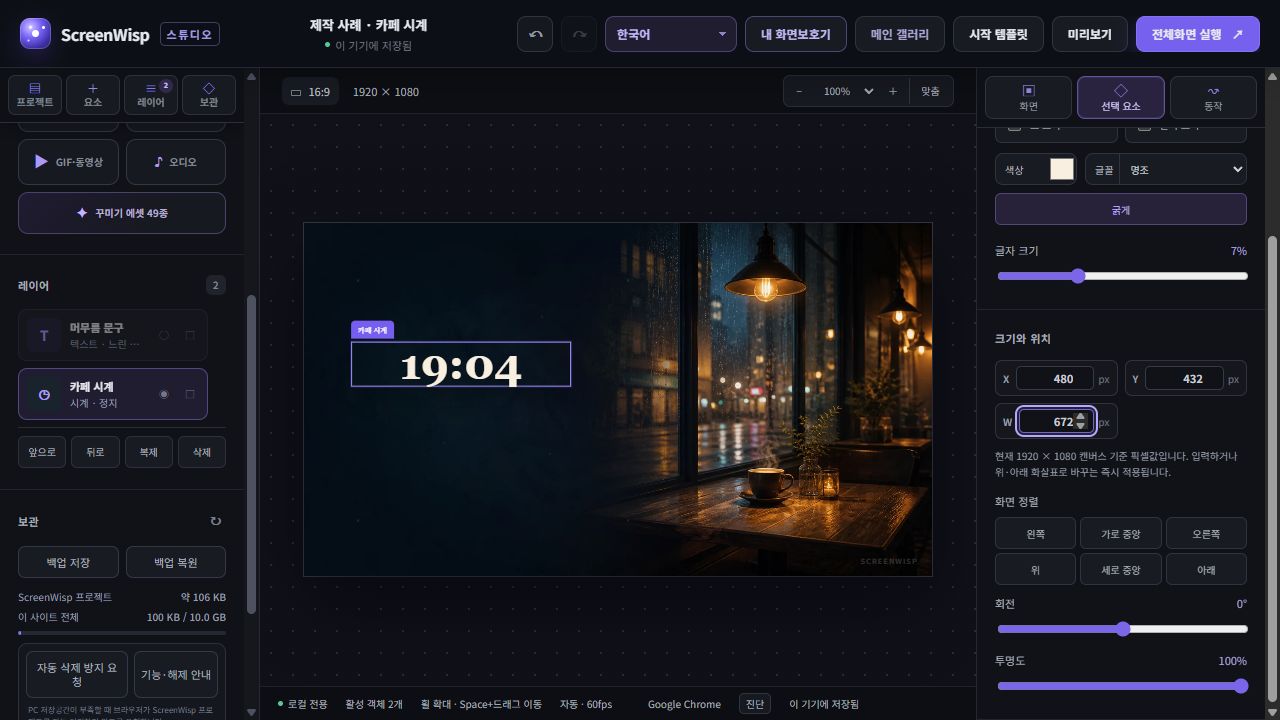
Keep the bright lamps and cup on the right unobstructed by placing the clock in the dark space on the left. Import the picture as a background so its fit is independent of the clock.
Read →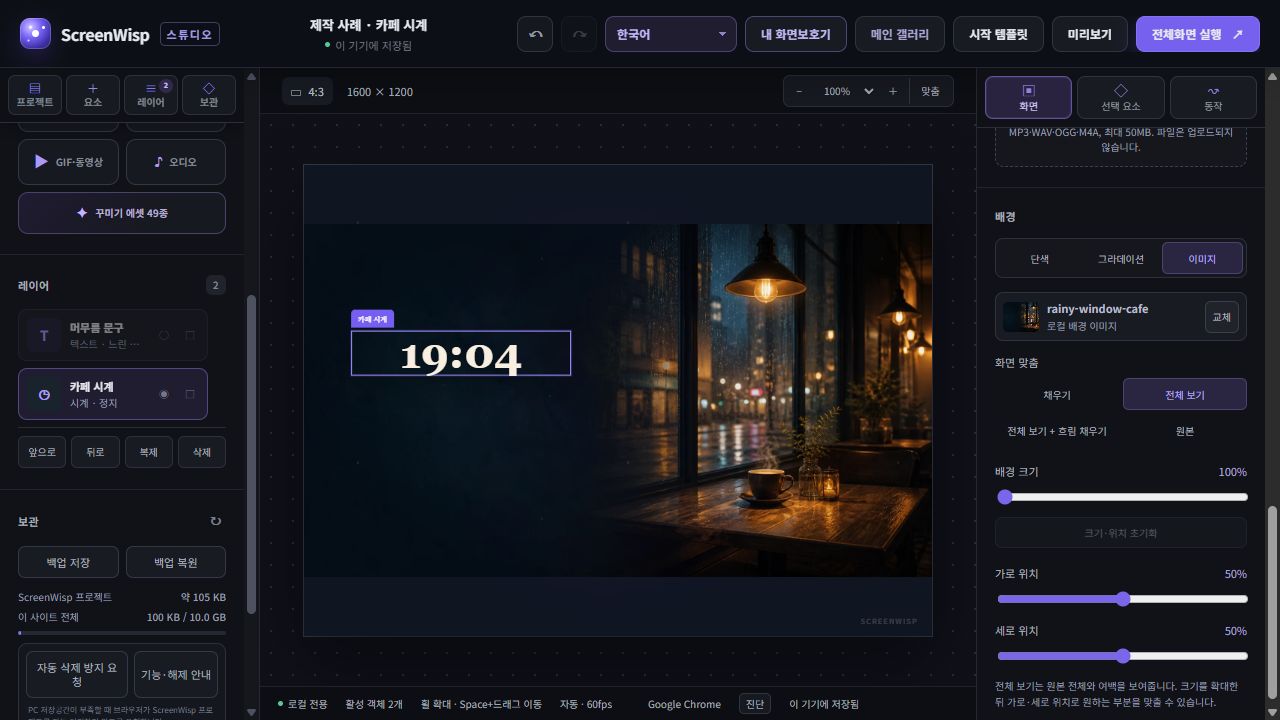
Duplicate the first example and compare Fill with Fit using the same image. Do not substitute the separate 4:3 artwork: the point is to see what the fit modes change.
Read →Studio images, GIFs, video, audio and projects stay in browser storage or a device folder you approve in a supported browser, without being uploaded to ScreenWisp servers. Combine backgrounds, text, clocks and motion without signing in.
Understand online screensavers, build a personal display, tune GIF and video performance, fit different monitors, and choose a local storage method.