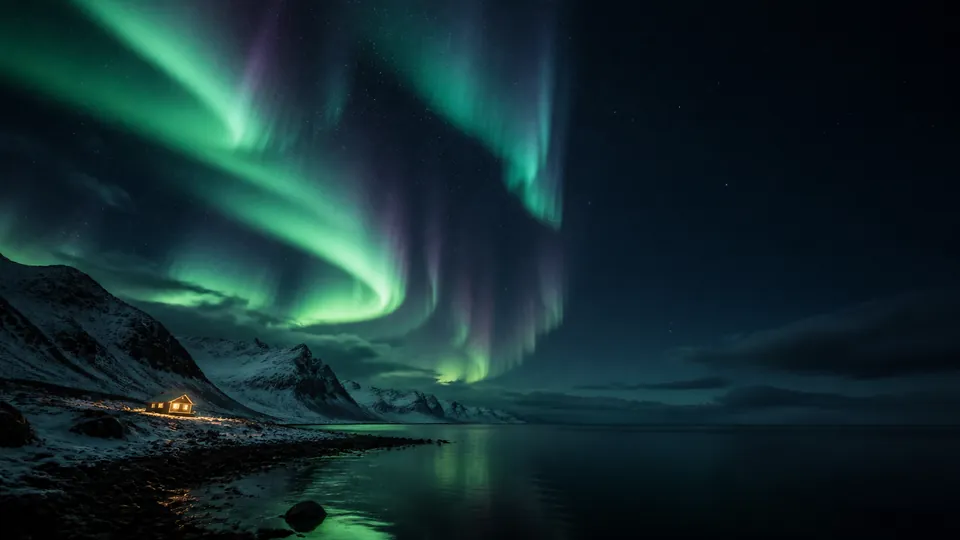
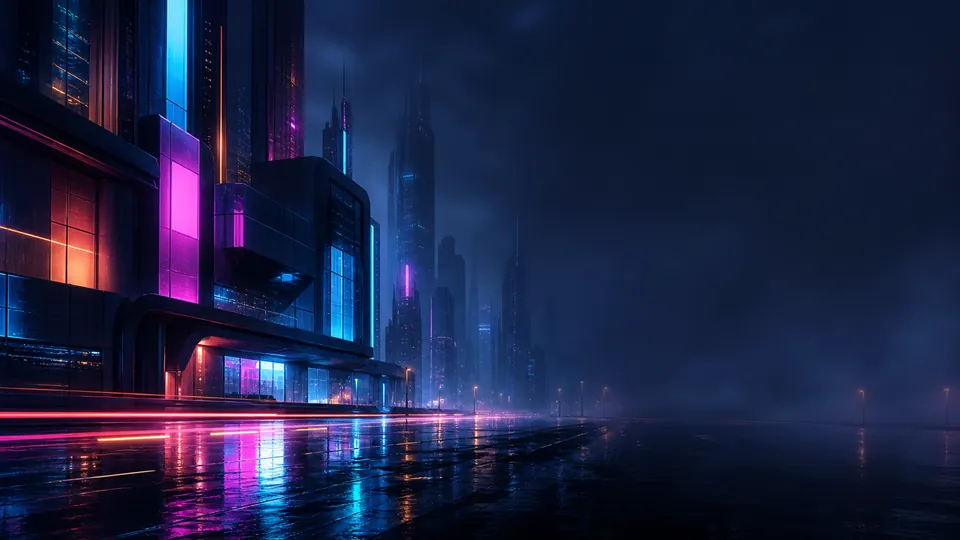
Still image · the background itself is not a video
Separate particle effect
None
Visible elements
Live clocks: 1 · Text: 0
Elements with position animation
0
Elements with opacity animation
0
Elements with size / rotation animation
0
Included audio
None · add your own audio in Studio
Base aspect ratio
16:9
Make this composition your own
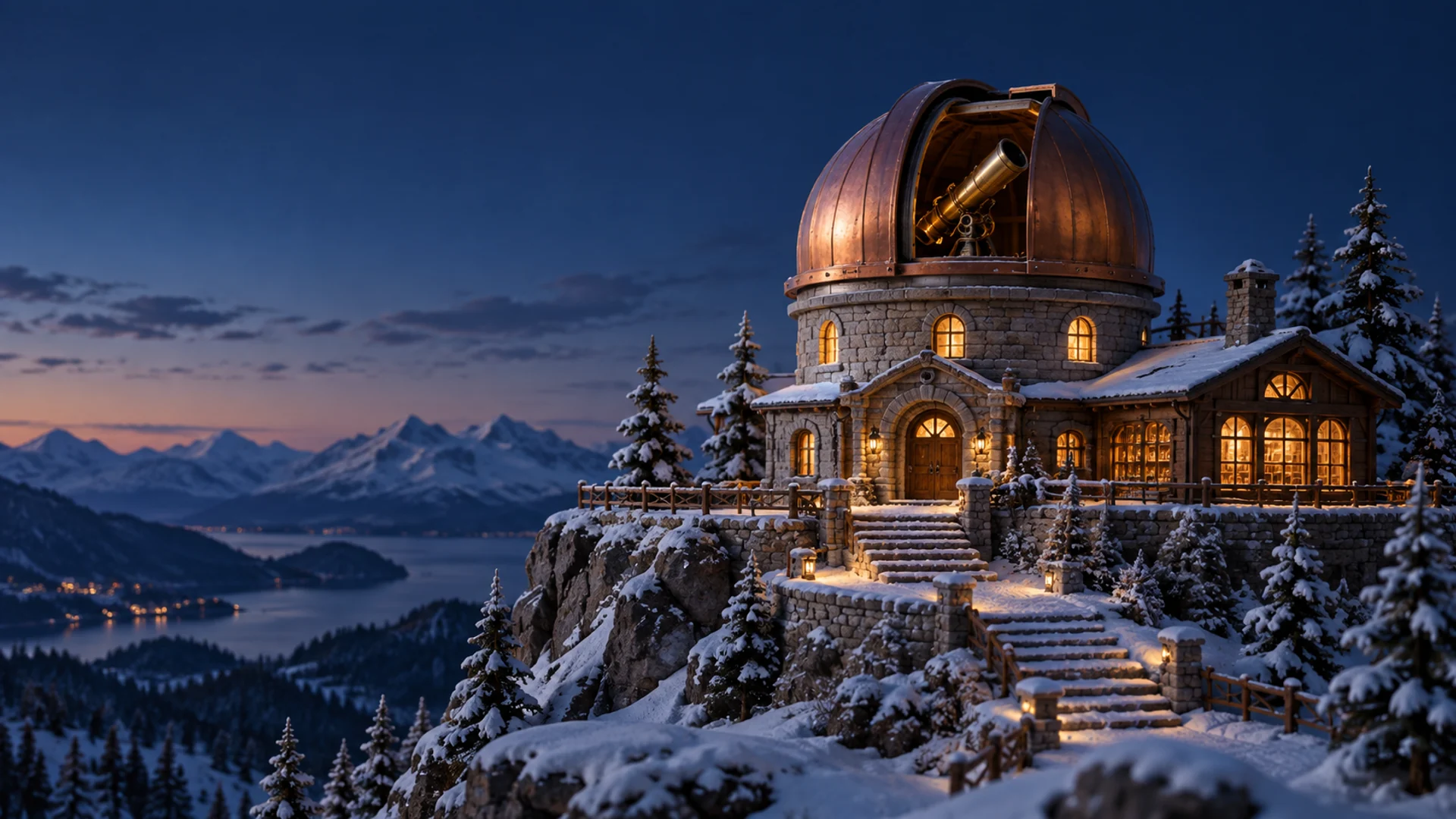
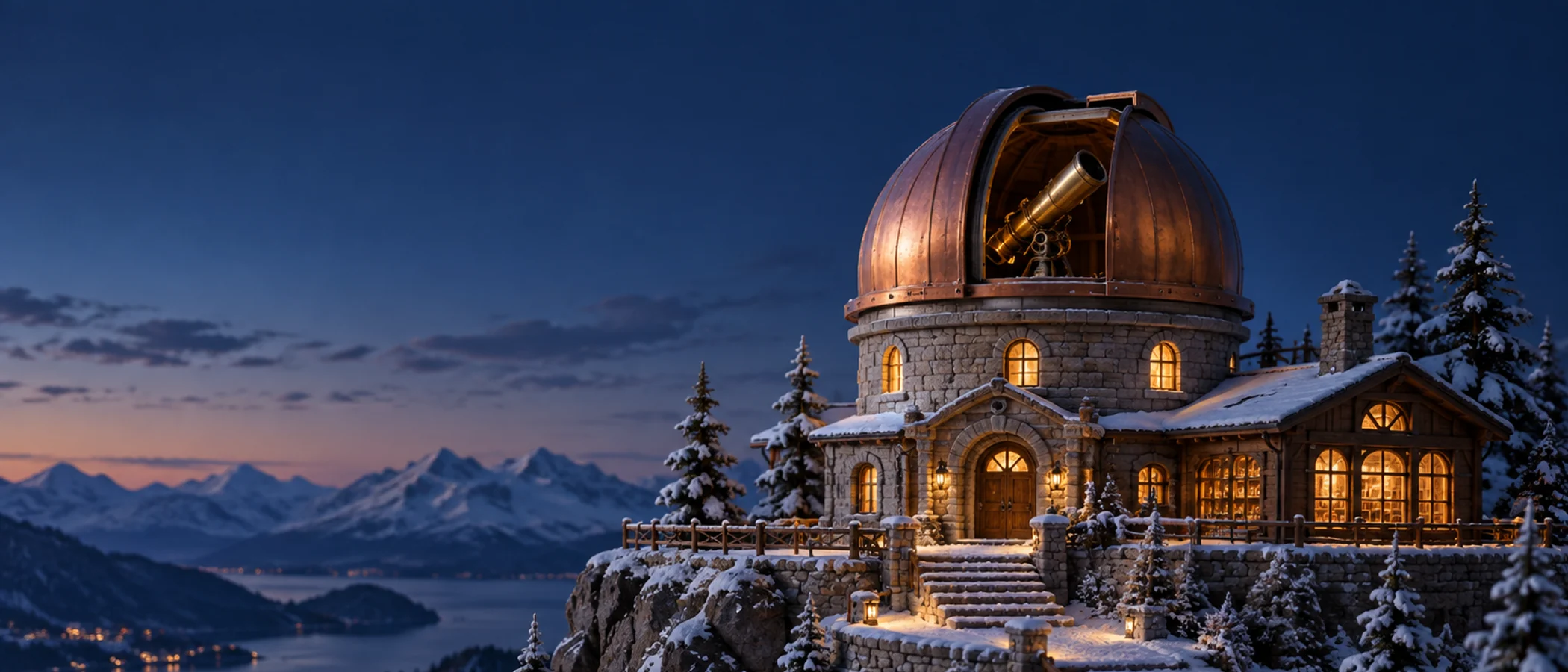
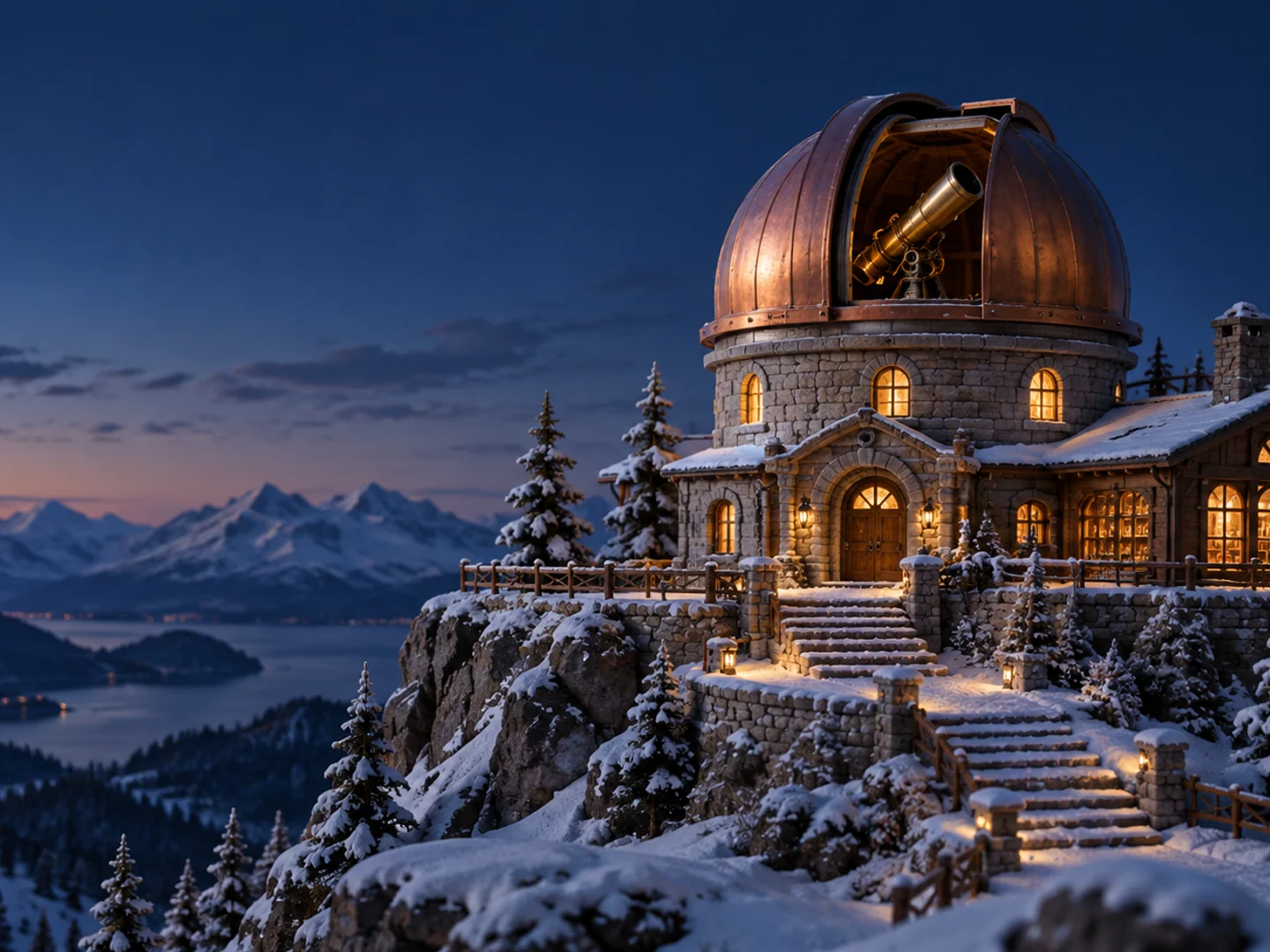
The clock at 23% from the left and 30% from the top leaves the copper dome and steps open. Its warm color contrasts with the blue snow. Turn off the date or shrink the clock in Studio to reveal the ridgeline. Check the dome tip in the vertically cropped 21:9 view. No falling-snow effect is enabled by default.
Position values refer to the base 16:9 layout. Check the preview when using a different ratio. Position, opacity and size effects are separate settings; making position still does not necessarily disable the other effects. Percentages in this guide describe relative positions on the canvas. Studio’s X, Y, W and H fields use pixels.
These compare the prepared background images only, without clocks, text or particles. Fullscreen playback also adapts element positions. Ratios that do not match exactly may involve cropping or blurred fill.
16:921:94:3
ARTWORK CREDITScreenWisp original artwork · AI-generated
An original visual asset produced and managed for the ScreenWisp service.